Lesson 1 of 17 · Getting started
Your first trade
Five steps from opening the Lab to reviewing your very first practice trade.
- 1
Pick a market
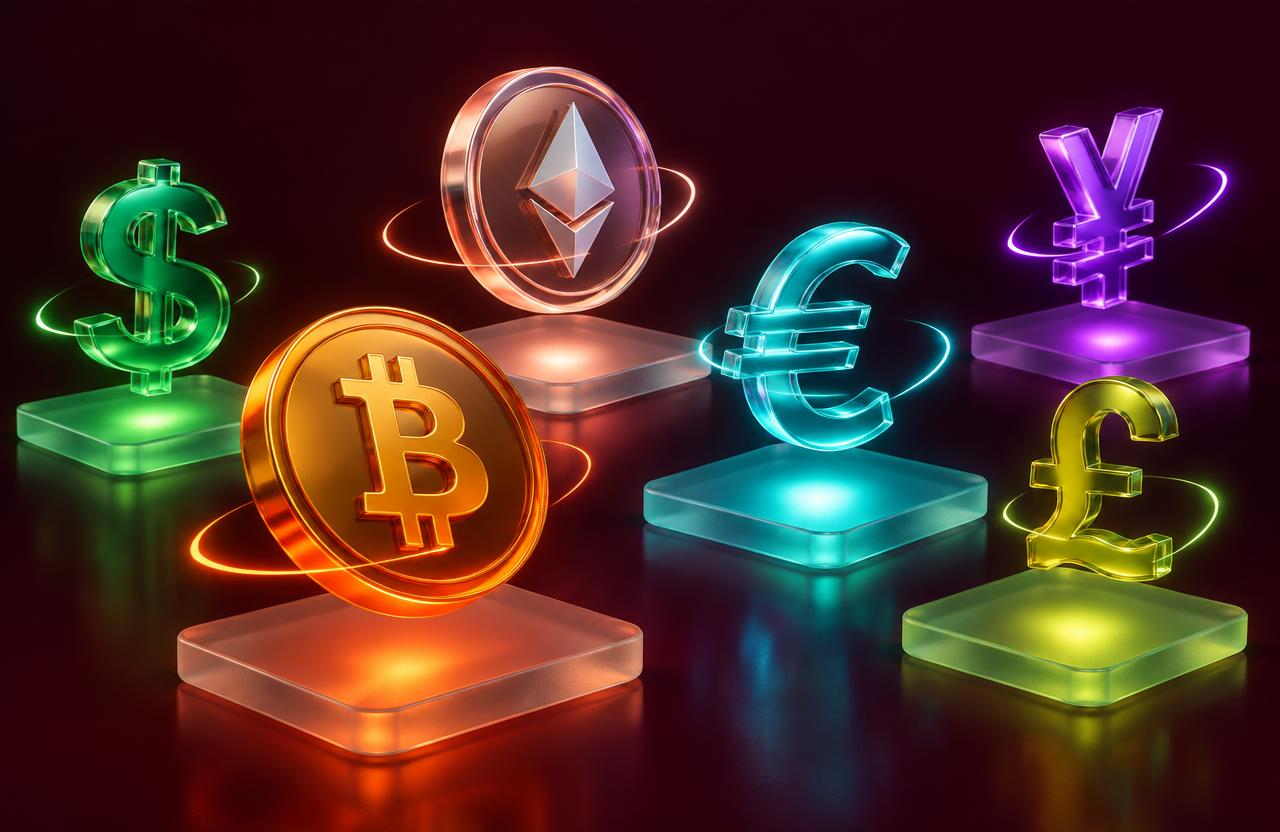
On the Trade page, use the Crypto / Forex switch on the left and tap a market such as BTC/USD or EUR/USD. The chart and order ticket update to that market instantly, and the price on the ticket is the price your trade will open at.
- Start with one market you can watch closely.
- Crypto trades 24/7; forex is busiest during the London and New York sessions.
 2
Read the candles
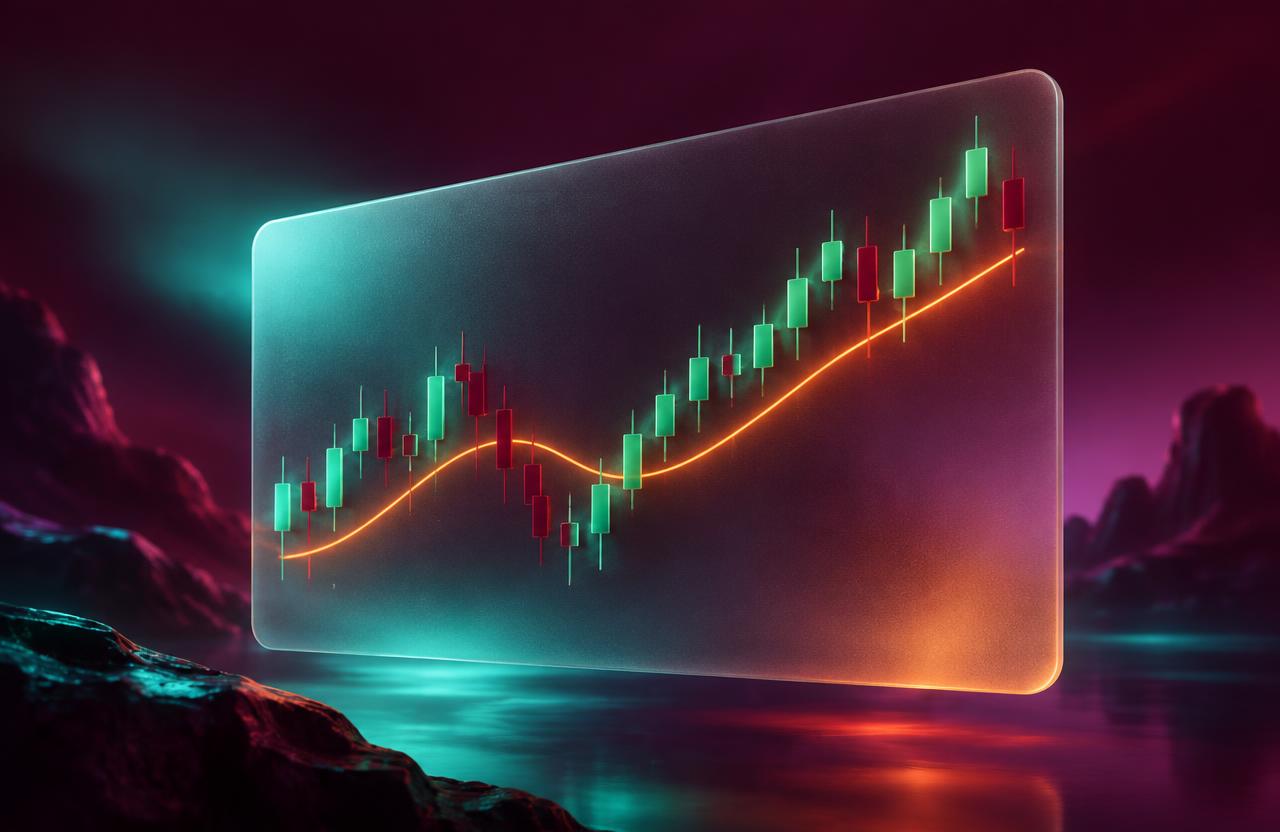
Each candle shows how price moved during one time period. Green candles closed higher than they opened, burgundy candles closed lower. Switch between 1m, 5m, 15m and 1h to zoom out and see the bigger picture before you decide anything.
- Look for the overall direction first: higher highs, or lower lows?
- Long wicks show prices that were rejected.
 3
Choose Buy or Sell and your size
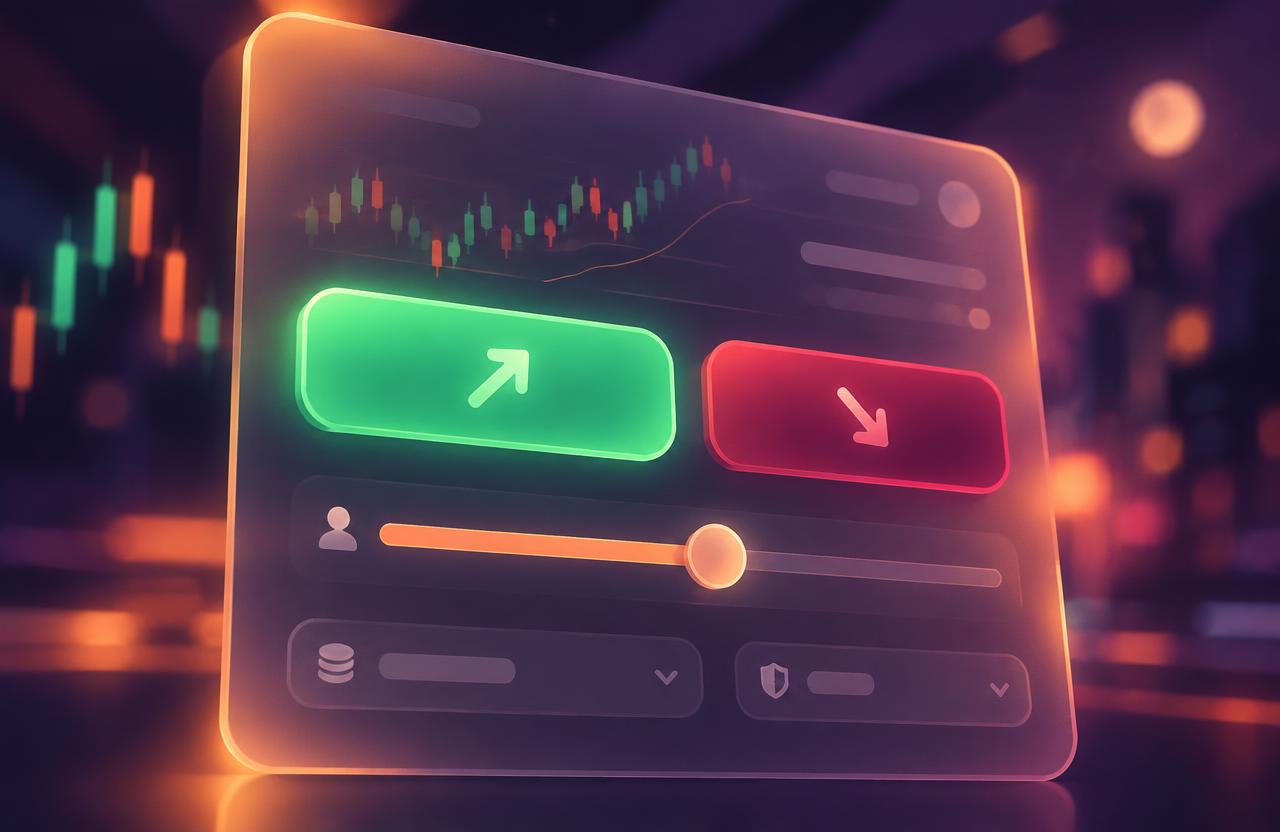
Press Buy if you think price will rise, or Sell if you think it will fall. Enter a trade size in dollars, or use the 10–100% buttons. Leverage multiplies both gains and losses — keep it at 1x while you learn.
- Margin needed = trade size ÷ leverage.
- Risking a small slice of your balance per trade keeps you in the game.
 4
Protect it with stop loss & take profit
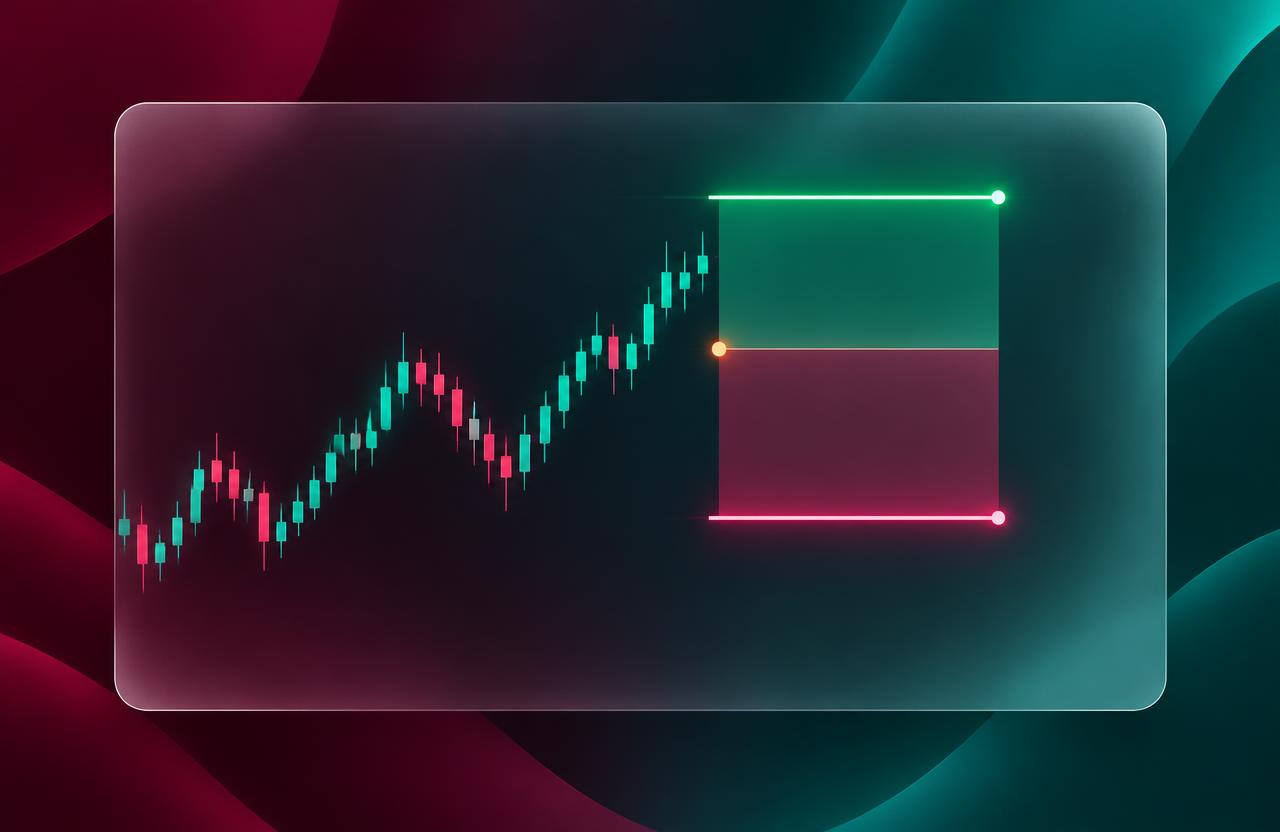
Switch on Stop loss to automatically close the trade if price moves against you, and Take profit to lock in gains at your target. The ticket shows exactly how much you'd lose or win at each level, and the lines appear on the chart.
- Aim for a target at least twice as far as your stop.
- Never move a stop further away just to avoid a loss.
 5
Manage, close and review
Open trades show live profit or loss in the positions table. Close them any time, or let your stop loss / take profit do it for you. Then open the History tab to review what worked and what didn't.
- Write down why you entered each trade.
- Your win rate matters less than the size of your wins vs. losses.
Key takeaways
- Pick one market and learn how it moves.
- Decide direction, size and exit levels before you click.
- Review every trade — that's where the learning happens.